
This article describes typical pitfalls in building the SAFR cluster.
Once you signing in to the SAFR web console on your new secondary node, with the license id you used to activate the primary server, you will get following page.
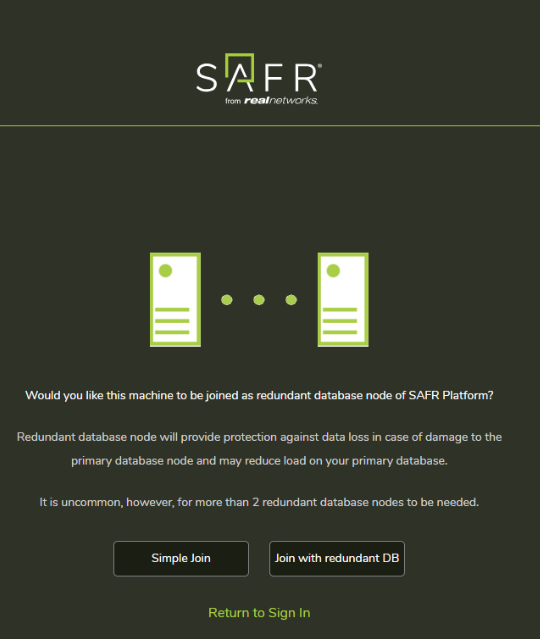
If you click "Join with redundant DB", then web console tries to connect this node to the primary (SAFR Master Host).
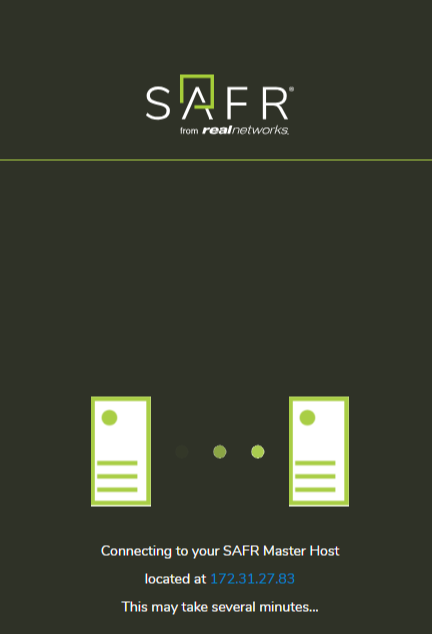
This process will finish in a few minutes.
But there are common mistakes which causes the failure.
- Network issue: The secondary node can't connect to SAFR Master Host.
- SSL certificate issue
- SAFR Master Host doesn't have appropriate SSL cert
- SAFR Master Host is not configued to use the name/IP
How to resolve the cluster building issue
- Check "SAFR/bin/safr-worker.log" on the secondary node. The error details will be reported in the log.
- Run SAFR/bin/check on the primary and secondary. Check all the servers are up and running.
- Check your primary has appropriate SSL certifcate. You can check it by connecting to the web console on primary node by FQDN with a web browser, over HTTPS. If you want to use self signed IP address cert, it's fine.
- Check the secondary can connect to the port 8081, 27017 of the primary. You can use telnet or nc to test it.
With telnet: telnet primary_host port
With nc: nc -vz primary_host port - If safr-worker.log suggests you need to run "reconfigure" command on primary, follow the instruction.
When you use FQDN cert: SAFR/bin/reconfigure FQDN true
When you use IP address: SAFR/bin/reconfigure IP false
After these steps, retry the cluster member joining process again.