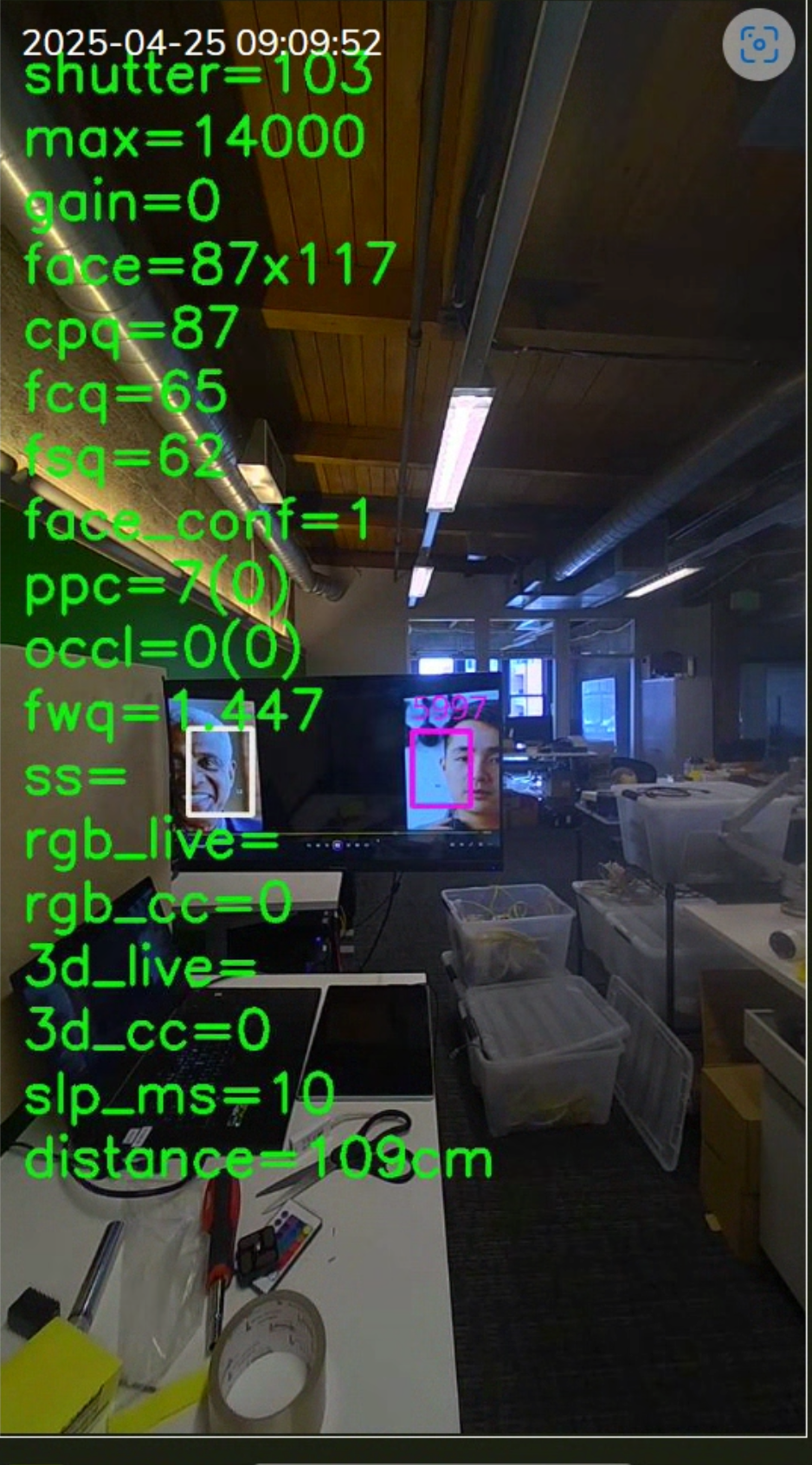
This article describes how to enable Recognition Details Overlay for SAFR SCAN or SAFR Camera video preview. This may be requested by support for purposes or reproducing issues occurring in the field.
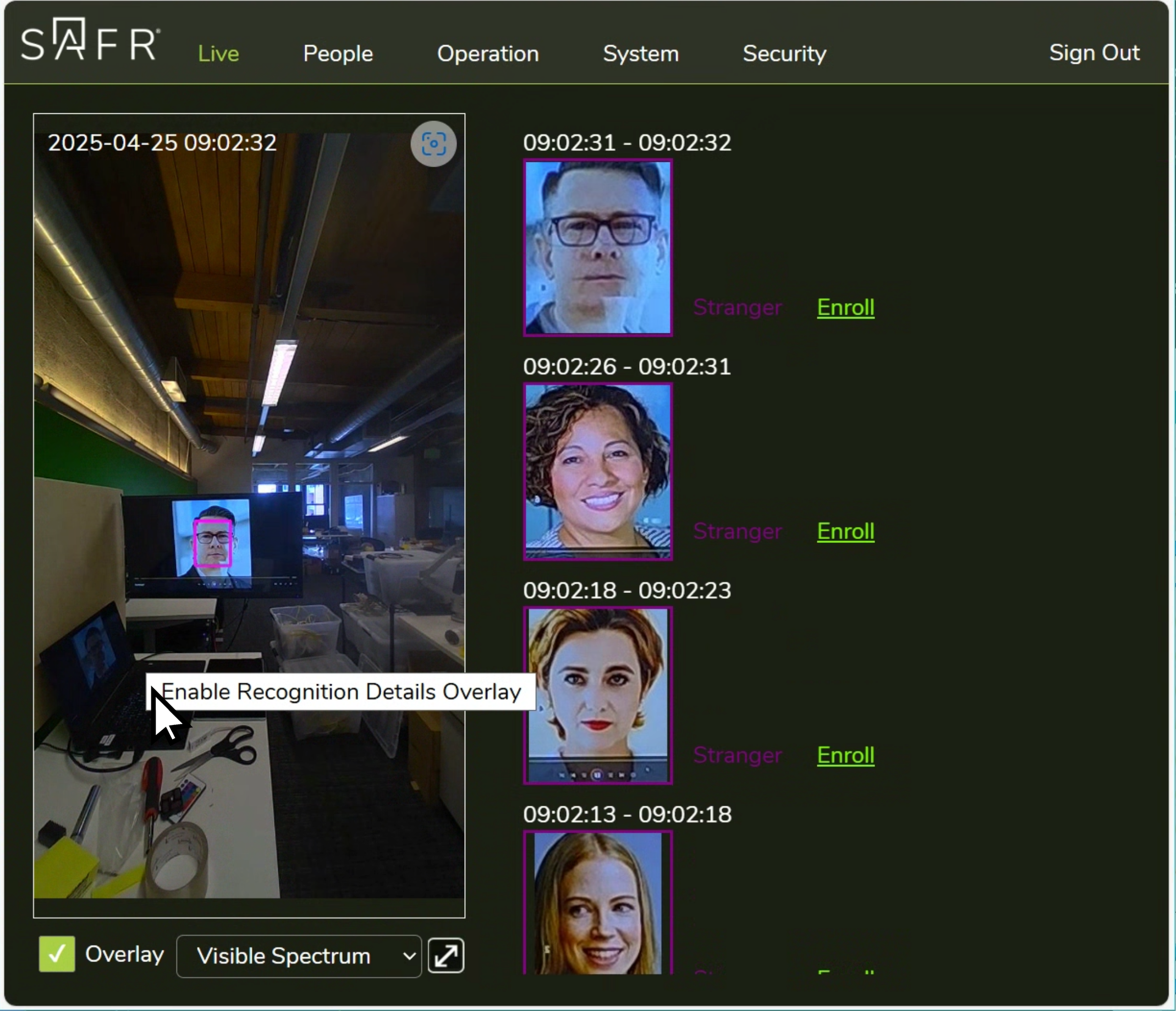
1. Open SAFR SCAN or SAFR Camera Web Console (http://DEVICE_IP_ADDRESS)
2. Left mouse click on any area within the video preview on the Live tab and select "Enable Recognition Details Overlay".
You should see information displayed on the screen as shown below.