- Open Browser and log into the application in question (SAFR Cloud, SAFR Server Web Console or SAFR SCAN, SAFR Camera Web Console) and navigate to the page where the issue is occurring.
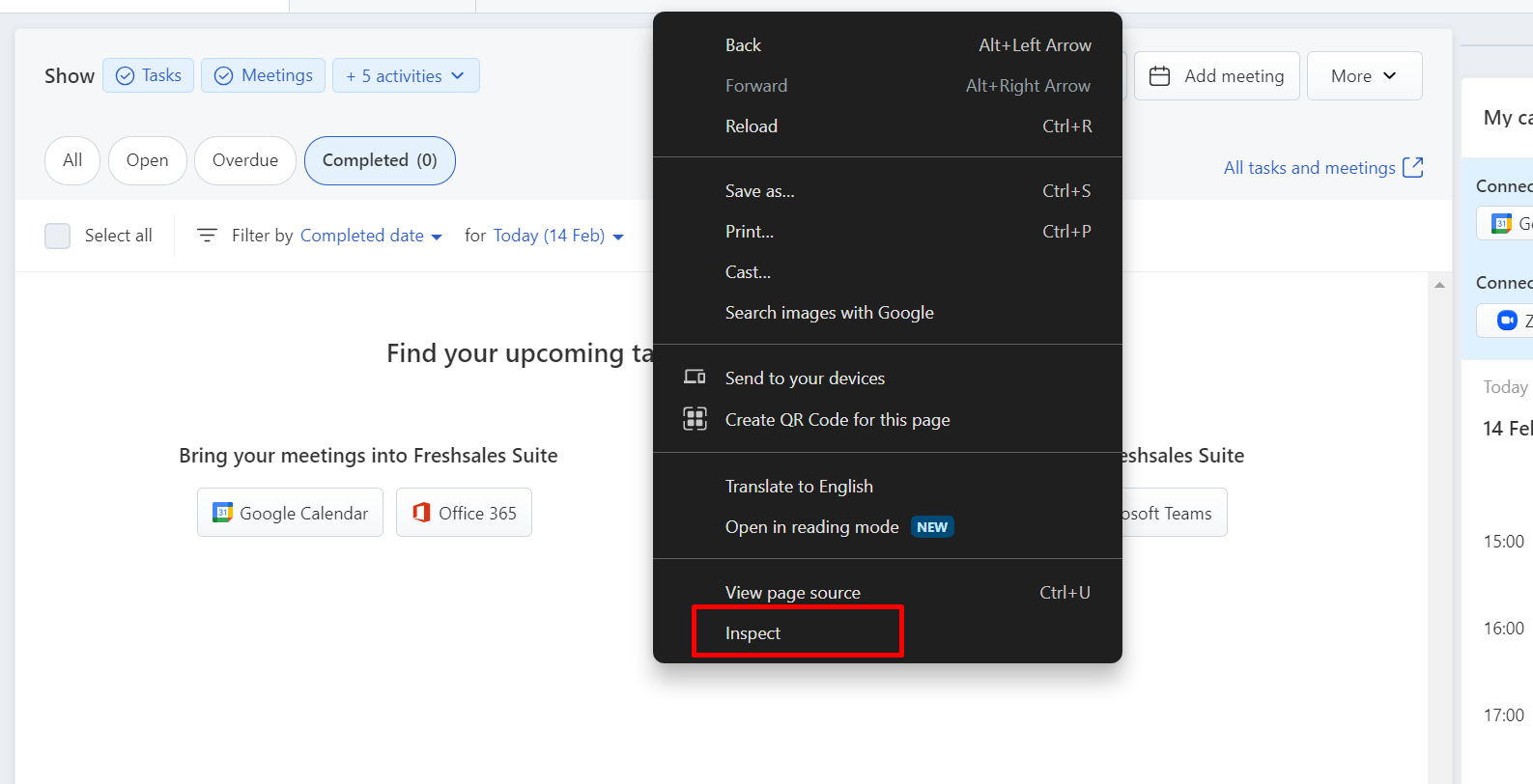
- Right click anywhere inside the CRM and click on Inspect.
- Navigate to the Network tab in the opened panel.
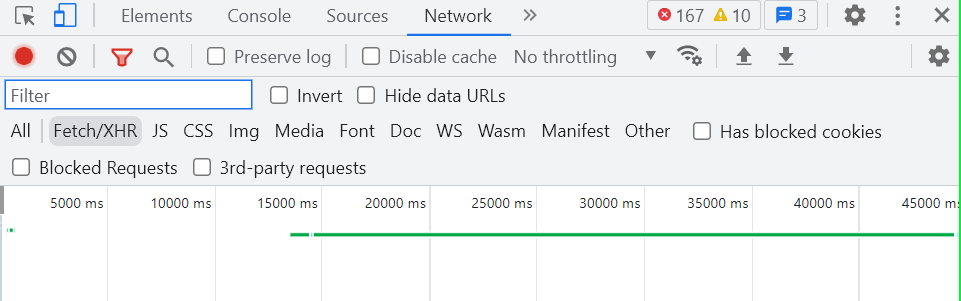
- Clear out any existing logs from the Network tab by clicking on Clear Icon(
 ).
). - Click on the Record button (
 ) in the upper left corner of the tab (If it is grey, kindly click it once to start recording).
 - Enable the Preserve log check box.
- Now try to reproduce the issue while the network log is being preserved.
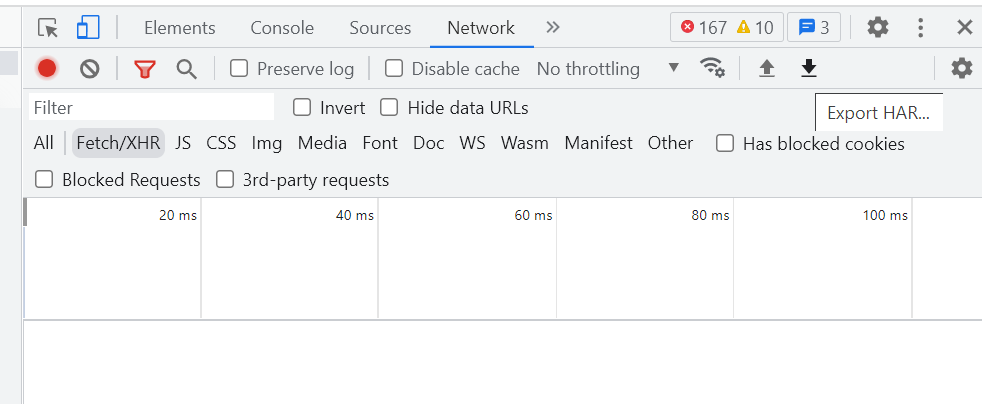
- Once the issue is reproduced, click Export HAR to download and then save this file in your computer:
English
